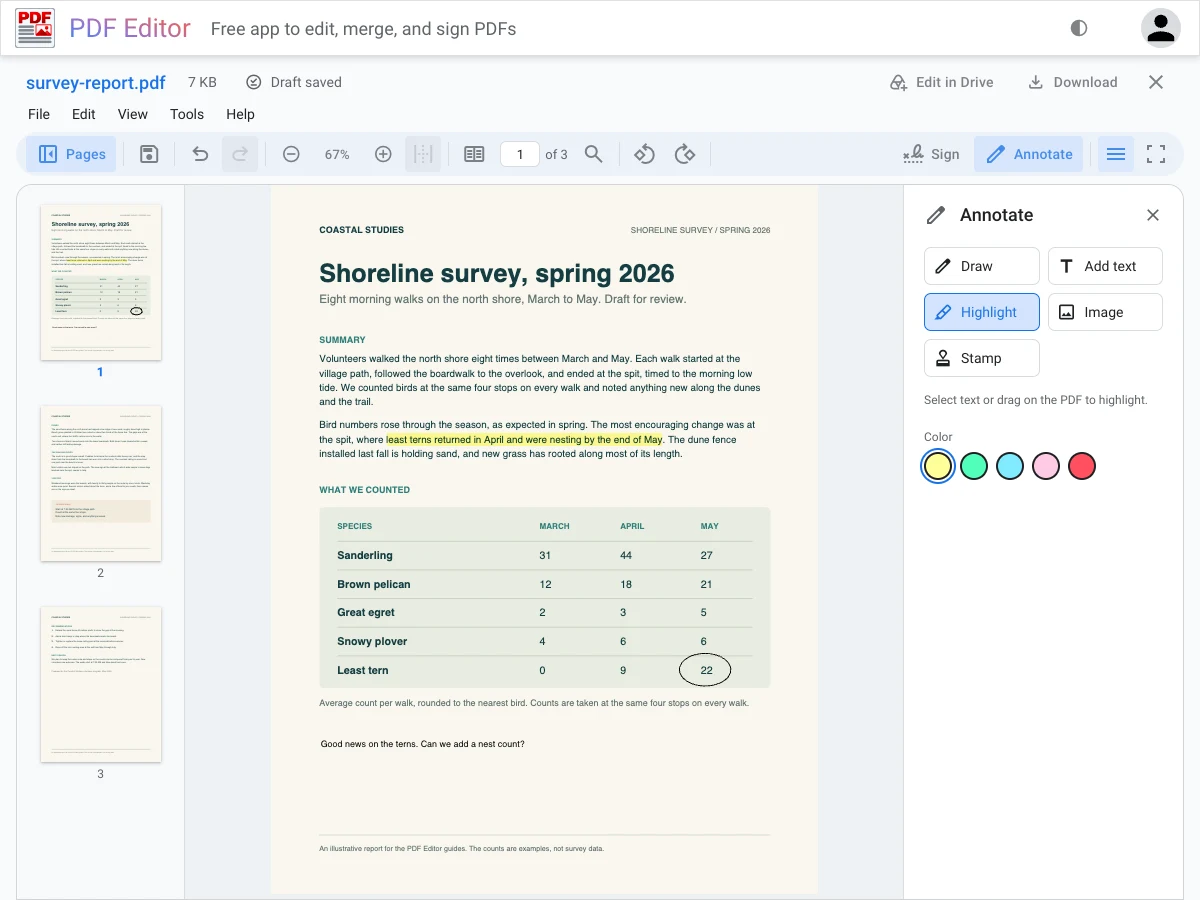
These guides show how to get everyday PDF jobs done in PDF Editor, one task at a time. Each guide follows one example from start to finish, with screenshots and before-and-after pages.
A page under review. The survey report from the annotate guide, with a highlight, a note, and a circle around a count. The Annotate panel is open on the right.
For help opening files, saving your work, or using Google Drive, see PDF Editor Help.